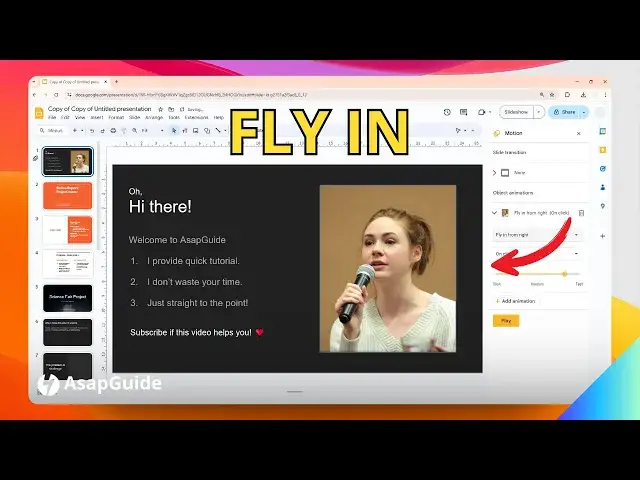

How to Make a Picture Fly in on Google Slides
Jul 9, 2024

👉 Easily make images fly into your Google Slides by selecting the image, clicking "Insert" and "Animation", and choosing a "Fly in" effect. Customize the direction, timing, and speed of the flying animation to add dynamic visual interest to your presentations.
🎙 Microphone: https://geni.us/KVRt
🦾 Boom arm: https://geni.us/FU6y
💻 Web hosting: https://geni.us/BestWordPressHosting
❤ Subscribe if you find this video helpful:
https://www.youtube.com/@asapguide?sub_confirmation=1
Show More Show Less #Clip Art & Animated GIFs
#Animated Films