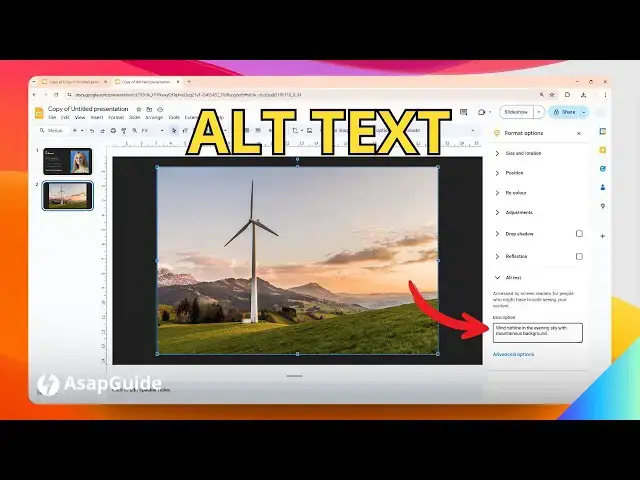

How to Add Alt Text to a Picture in Google Slides
Jul 9, 2024

👉 Easily add alt text to images in Google Slides to make them accessible. Select the image, click "Format options" in the toolbar, go to the "Alt text" tab, and enter a description of the image. This alt text will be read by screen readers.
🎙 Microphone: https://geni.us/KVRt
🦾 Boom arm: https://geni.us/FU6y
💻 Web hosting: https://geni.us/BestWordPressHosting
❤ Subscribe if you find this video helpful:
https://www.youtube.com/@asapguide?sub_confirmation=1
Show More Show Less