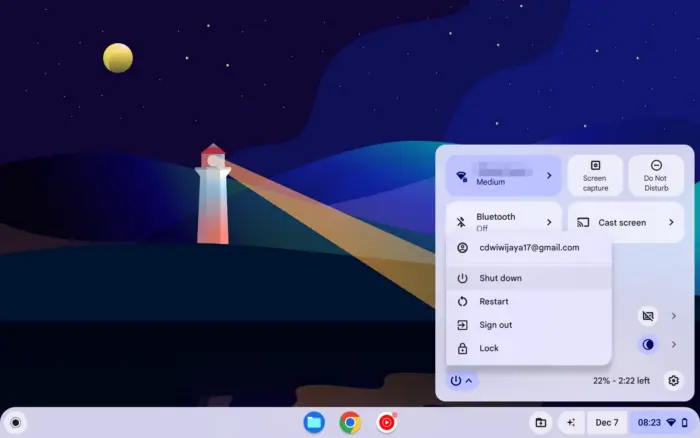
Knowing the quick keyboard shortcuts to turn off your Chromebook can save time and effort compared to clicking through menus. This guide will cover the main methods to fully shut down your Chromebook using key combinations.
Table of Contents
Why Use Keyboard Shortcuts?
- Saves time – No need to navigate through settings menus to access the power options.
- Improves efficiency – Quickly shutdown without touching the trackpad or screen.
- Easy to memorize – Keyboard shortcuts are easy to learn and memorize.
How to Shut Down with Keyboard
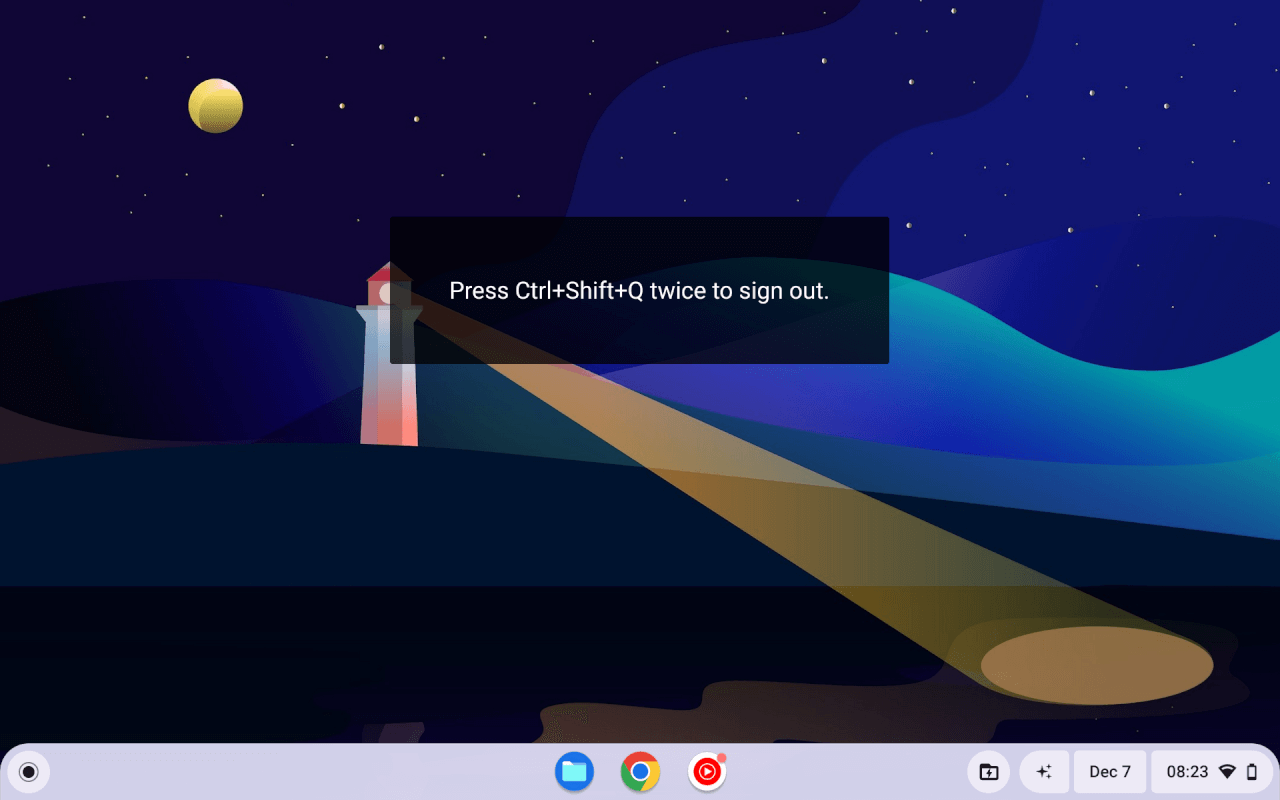
Follow these steps to fully turn off your Chromebook using keyboard shortcuts:
- Press
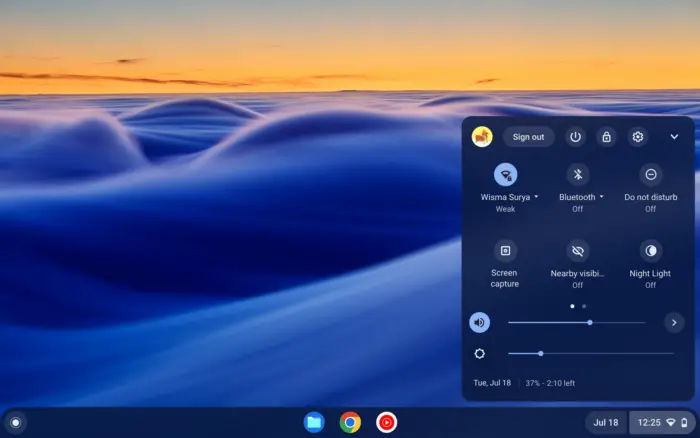
Ctrl + Shift + Qtwice quickly – This will immediately sign you out. - Click “Power” then “Shut down” – On the next scree, click Shutdown.
- Wait for full shutdown – Give it a few seconds for the device to shut off.
Other Keyboard Methods
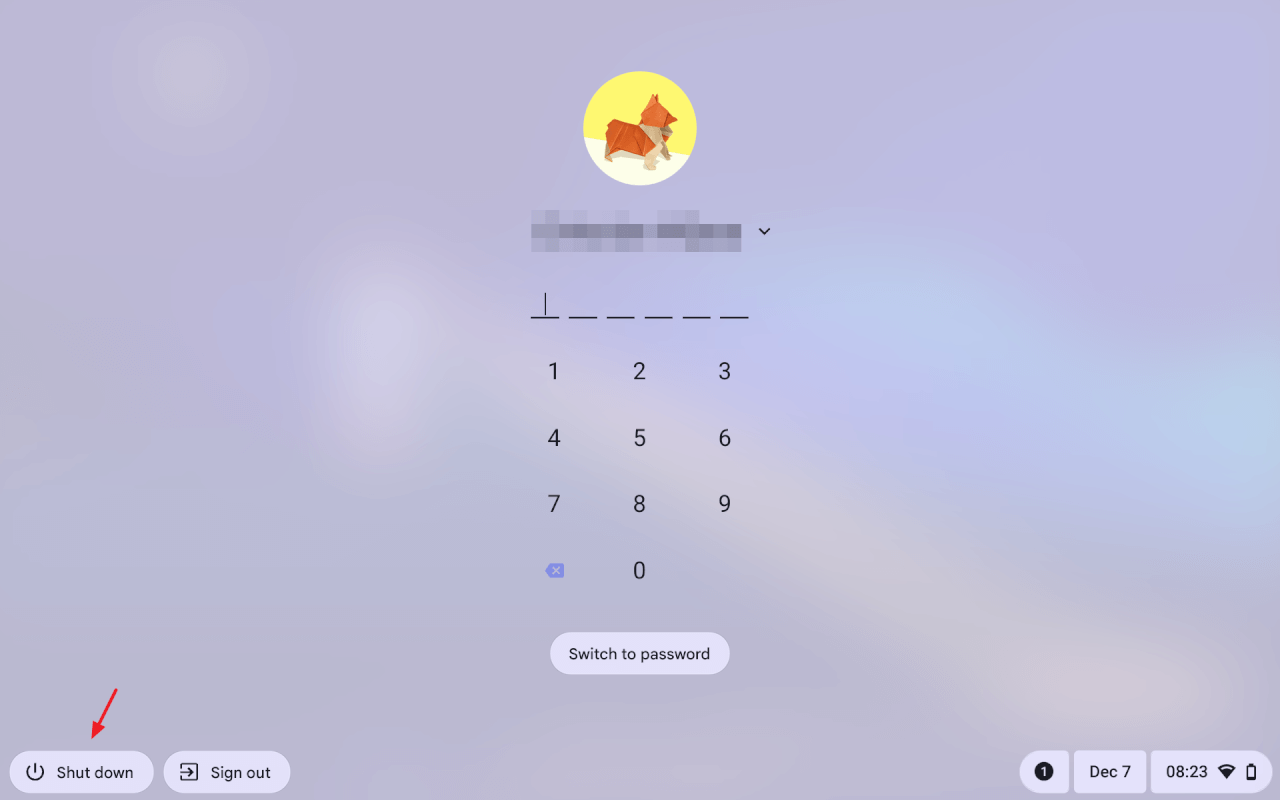
Aside from Ctrl + Shift + Q, you can also use the power button on the top right corner of the keyboard. Long press the power button on your Chromebook to access shutdown options
Conclusion
Learning the keyboard shortcuts to turn off your Chromebook directly can save lots of time compared to clicking through menus and options. The fastest way is Ctrl + Shift + Q twice to access the shutdown screen.
Memorize these Chromebook keyboard shutdown methods to improve efficiency. Let me know if you have any other questions!